
Want to create eye-catching designs that last, whether it’s on t-shirts or mugs? Sublimation printing is exactly what you need. The market for sublimation printers continues to grow, with the global dye-sublimation printing market expected to reach $26.23 billion by 2029, with a CAGR of 10.44% from 2026 to 2029 (According to the Mordor Intelligence Report, 2024).
But before you rush to buy a printer, choosing the right one is critical. Whether you’re a small business owner, hobbyist, or running a full-scale print shop, the right sublimation printer can make a world of difference. Our product review team has tested various models to help you find the best sublimation printers for 2026.
Below, you’ll see a brief overview of each product. We’ll tell you what we loved about it, and what we didn’t. We also provided links to more detailed specs and their specific applications for those who want to research on their own.
Specs
| Printer Model | Max Print Size | Resolution | Ink Type | |
| Epson SureColor SC-F100 | 8″ x 10″ | 1200 x 1200 dpi | Epson Sublimation Ink | |
| Sawgrass SG1000 | 11″ x 17″ | 4800 x 1200 dpi | Sawgrass Sublimation Ink | |
| Epson EcoTank ET-2800 | 8.5″ x 11″ | 4800 x 1200 dpi | Refillable Tanks | |
| Epson EcoTank ET-15000 | 13″ x 19″ | 4800 x 1200 dpi | Refillable Tanks | |
| Canon SELPHY CP1300 | 4″ x 6″ | 300 x 300 dpi | Dye Sublimation Ink |
Why Choose Sublimation Printing?
Sublimation printing works by using heat to transfer dye onto materials like polyester fabrics and ceramics. The process starts by printing a design onto special transfer paper using sublimation inks. Then, heat (350–400°F) and pressure are applied, turning the solid ink into gas. This gas penetrates the fibers or coating of the material, becoming a permanent part of it. The result is a vibrant, full-color print that won’t fade, crack, or peel over time.
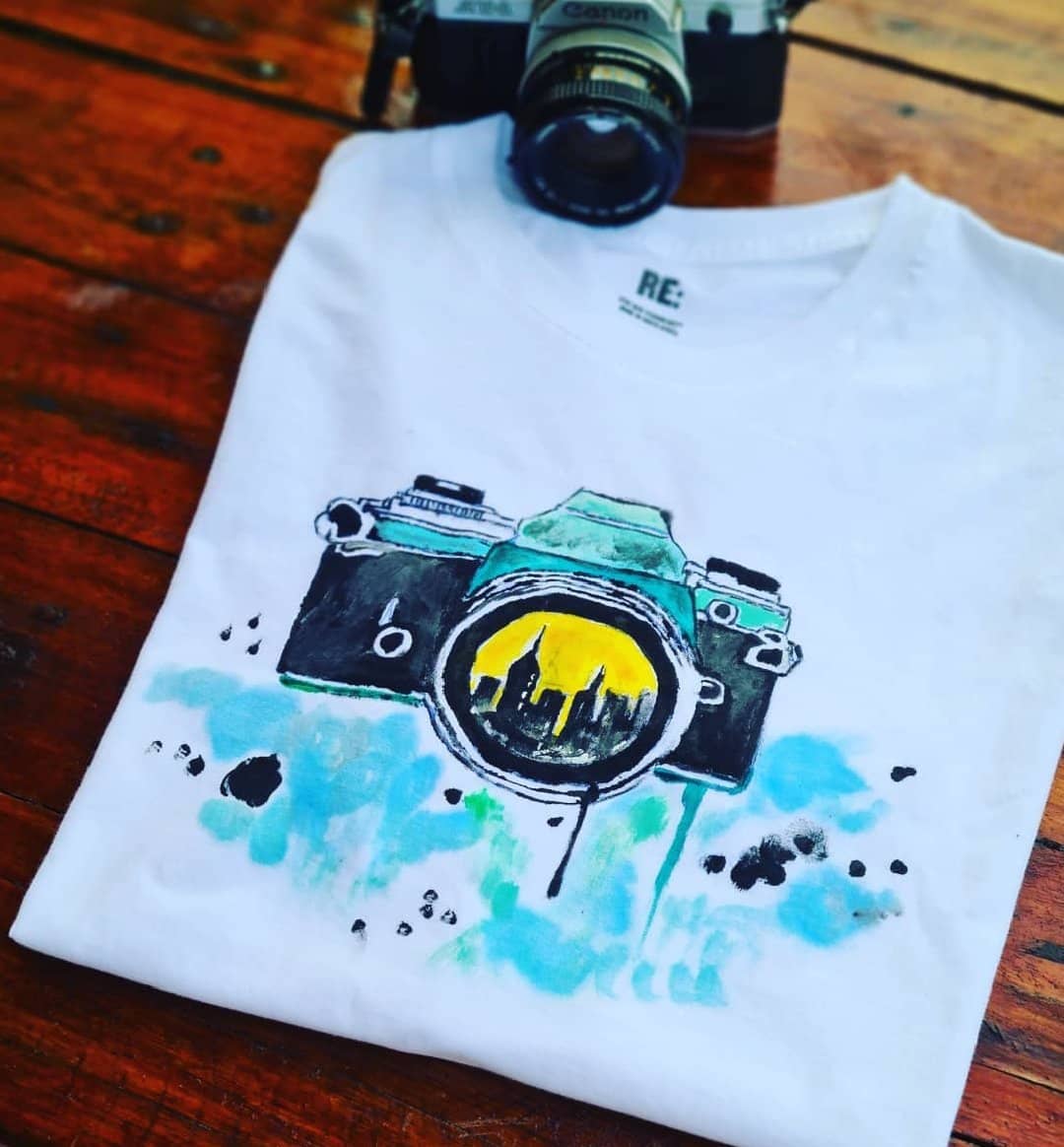
Here are some examples of applications for sublimation printing:
Apparel and Fashion
- Custom t-shirts, hoodies, and sportswear
- All-over print garments
- Swimwear and activewear
- Team uniforms and jerseys
Home Décor
- Throw pillows and cushion covers
- Curtains and drapes
- Blankets and bedding
- Custom photo panels
Promotional Products
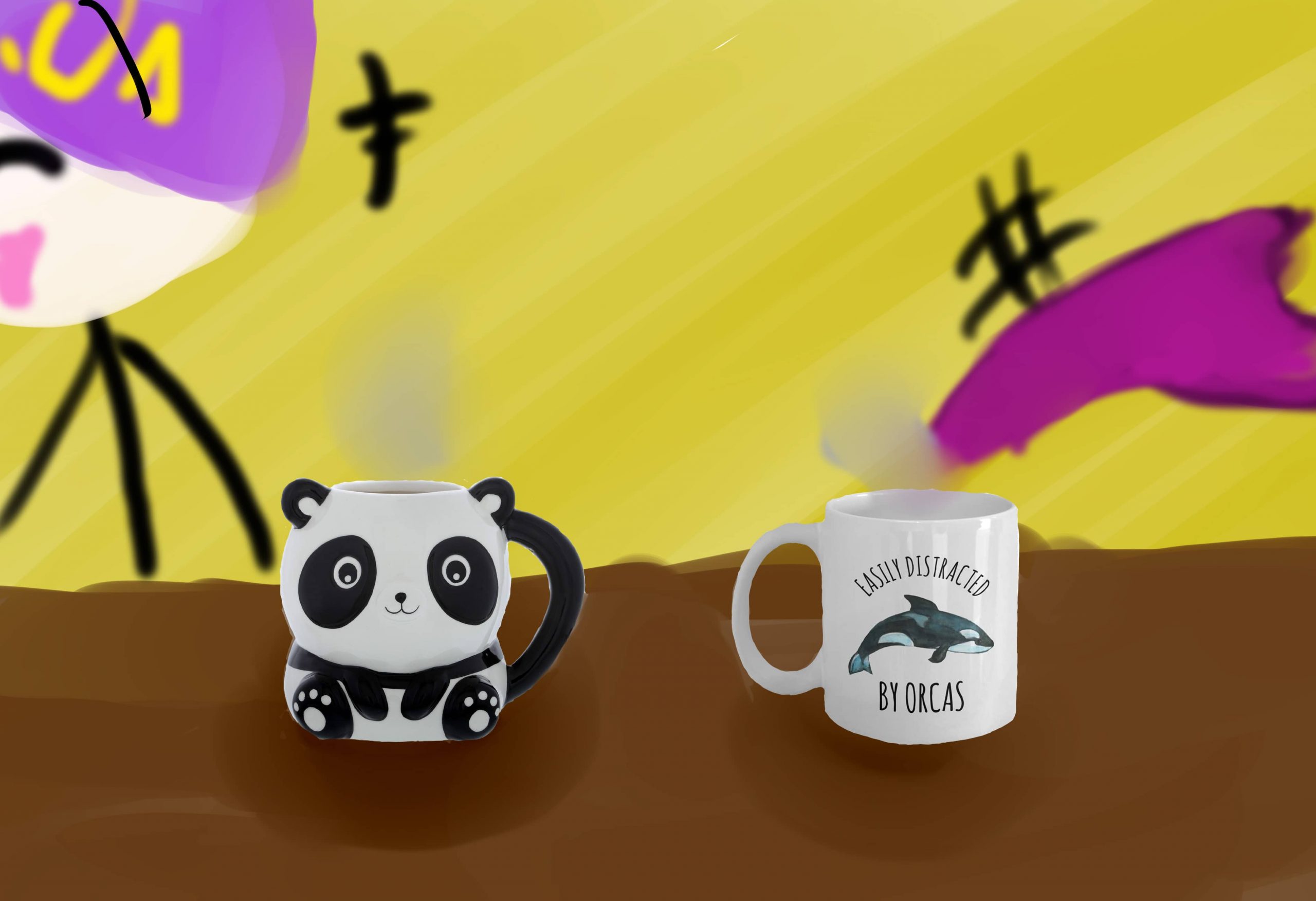
- Personalized mugs and drinkware
- Mouse pads and desk accessories
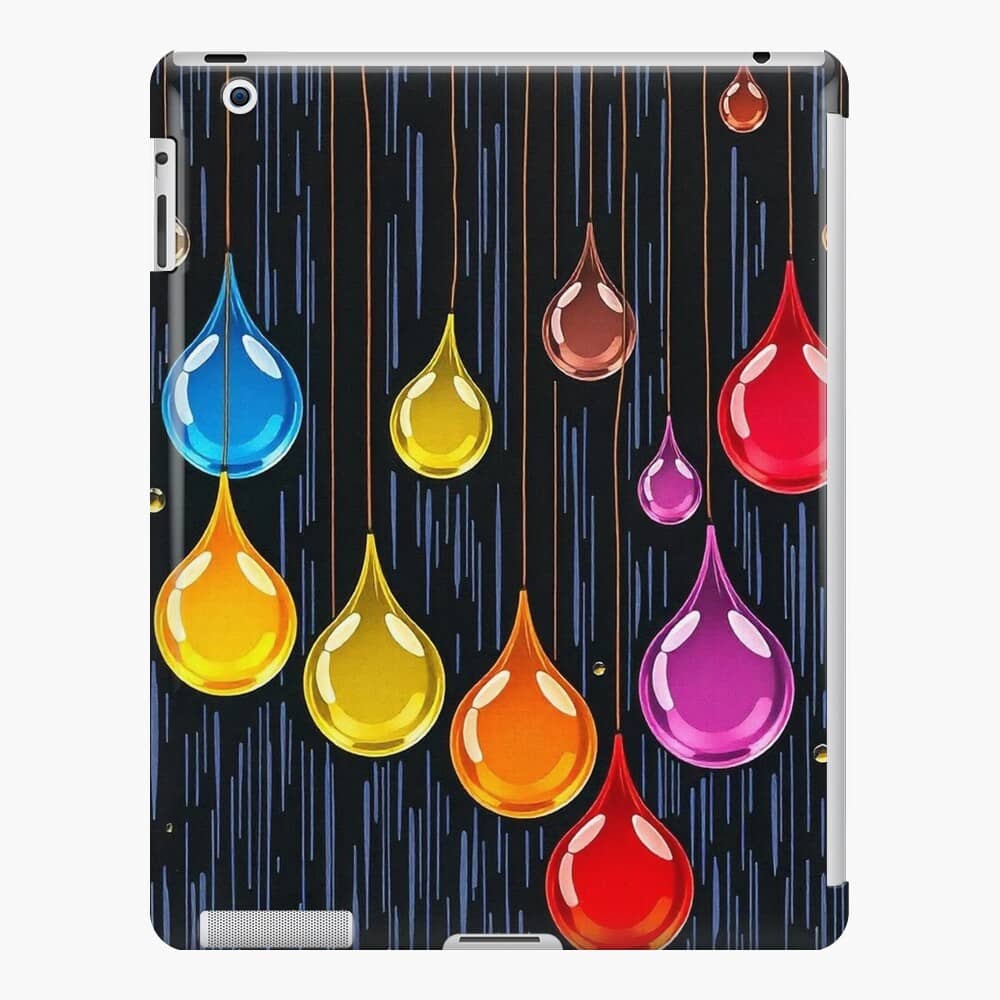
- Smartphone cases
- Keychains and lanyards
Dye sublimation printing is a standout method because of its unique approach. Unlike screen printing, which works well on various fabrics but is best suited for simpler designs, sublimation creates vibrant, photorealistic prints on polyester and polymer-coated materials. These design prints are durable and long-lasting.
While Direct-to-Garment (DTG) apparel printing works great for cotton fabrics and darker colors, sublimation shines when it comes to colorfastness and smooth, seamless finishes, as the ink bonds directly with the fabric instead of laying over the top.
On the other hand, heat transfer prints can wear down over time, but sublimation prints hold up well. The main drawback is that sublimation only works with specific materials, which makes it less flexible compared to other printing methods.
Best Sublimation Printer Recommendations
Here’s a comparative analysis of the top sublimation printers, breaking down their strengths and weaknesses across various factors such as performance, affordability, versatility, and user suitability:
Sawgrass SG1000
 Sawgrass UHD Virtuoso SG1000 Sublimation Printer Starter Bundle with Inks, Sublimation Paper, Tape, Blanks, Designs and Access to Exclusive Content, White, 11'' x 17''
- Print Size: Can print up to 11" x 17", which is larger than most sublimation printers, making it perfect for apparel and custom products.
- Speed and Efficiency: Fast printing speeds help improve workflow efficiency, making it ideal for higher production environments.
- Color Management: Advanced color management system ensures accurate and consistent colors across a range of materials.
- High Initial and Long-term Costs: While it offers excellent performance, its high initial price and reliance on proprietary inks can make it more expensive in the long run.
Epson SureColor SC-F100
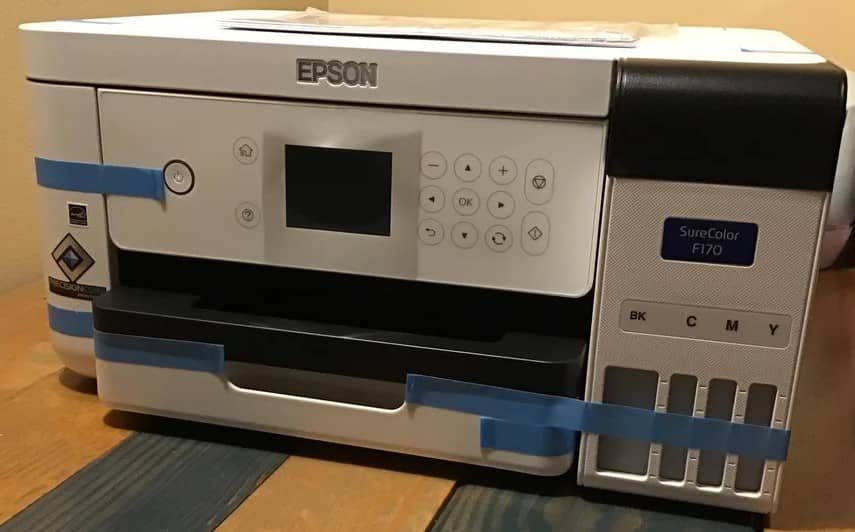 SureColor F170 Dye-Sublimation Printer
- Print Quality: Consistently delivers vibrant, accurate colors thanks to Epson's premium sublimation inks. Excellent for producing high-quality prints on both fabric and hard surfaces.
- Ease of Use: Compact and user-friendly, suitable for beginners and small businesses. Its intuitive design simplifies setup and operation.
- Versatility: Can handle a wide range of projects, from apparel to promotional products, making it a flexible choice for various applications.
- Cost: Higher upfront cost compared to converted EcoTank printers, which could be a deterrent for budget-conscious buyers.
- Limited Functionality: Exclusively designed for sublimation printing, meaning it lacks versatility beyond this method.
Epson EcoTank ET-2800
 Epson EcoTank ET-2800 Wireless Color All-in-One Cartridge-Free Supertank Printer with Scan and Copy - White, Medium
- Budget-friendly with a low initial cost, making it accessible to hobbyists and beginners.
- Refillable ink tanks reduce long-term ink costs, an economical solution for users just starting out in sublimation printing.
- Can handle different types of media beyond sublimation, increasing its overall value.
- Compared to more expensive models, the print resolution is slightly lower, which may not satisfy users seeking high-quality prints.
- Lacks advanced features like automatic document feeding and double-sided printing, limiting its appeal for professional or high-volume use.
Epson EcoTank ET-1500
 Epson EcoTank ET-15000 Wireless Color All-in-One Supertank Printer with Scanner, Copier, Fax, Ethernet and Printing
- Supports prints up to 13" x 19", a great pick for creating large banners, posters, and bigger designs.
- High Ink Capacity
- Exceptional Print Quality
- Bulky and heavier than other models
- More expensive than smaller EcoTank models
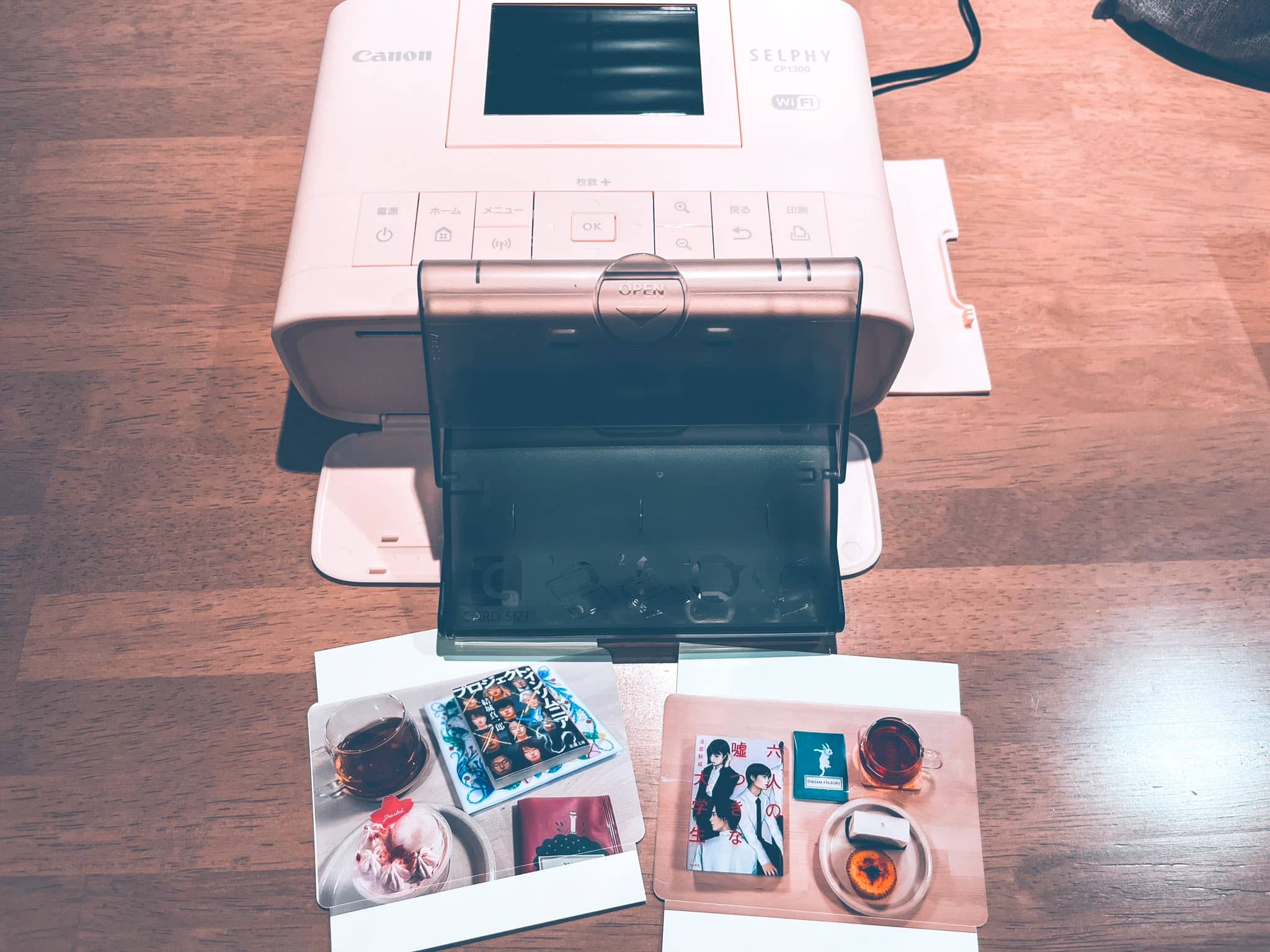
Canon SELPHY CP1300
 Canon SELPHY CP1300 Wireless Compact Photo Printer with AirPrint and Mopria Device Printing, Black
- Compact and lightweight, ideal for users with limited space or those who need to move their printer around easily.
- Supports printing from smartphones and tablets via Wi-Fi
- The intuitive LCD screen makes navigation simple, perfect for users who want straightforward functionality.
- Limited Print Size: 4x6"
- Requires specific photo paper and has slower print speeds
Before Buying a Sublimation Printer
Based on our tests:
- Look for printers with high DPI (dots per inch) ratings for detailed prints.
- Consider what size prints you’ll need—standard letter size or larger formats.
- Evaluate how much ink each printer uses per print and consider long-term costs.
- Easily accessible interfaces can save time during setup and operation.
- Ensure compatibility with your devices through USB or wireless connections.
- Research brands known for reliability and good customer service.
Tips for Getting Started with Dye Sublimation Printing
Once you’ve chosen your printer, here are a few tips from our team to help you get started with sublimation printing.
Make sure to get the right accessories—invest in heat presses or mug presses based on your specific projects, and stock up on sublimation paper and compatible materials like polyester fabrics.
Learn from the pros by exploring online tutorials or joining Reddit communities like r/Sublimation Printing, where you can find active groups for advice and to share experiences.
And lastly, don’t be afraid to experiment with designs using graphic design software like Adobe Illustrator, Figma, Canva, and InDesign to create unique, custom pieces.
Your Perfect Sublimation Printer Awaits
With the information and tips we’ve shared, you’ll be ready to make the right choice! Whether you’re just trying something new with sublimation printing or you’re looking to upgrade your current setup, there’s a perfect printer out there for you. With options ranging from beginner-friendly to business-grade machines, you can create stunning, custom products that’ll turn heads in any marketplace.